
5 Easy Steps: Outlook Email Forwarding via ProxiedMail
Your email address is not “just email” anymore. It is a login key to your bank, work tools, shopping, and private life. That is why Outlook email forwarding through a proxy system can feel like a smart upgrade, not a small tweak.
ProxiedMail helps you create unique proxy email addresses (also known as aliases) for every website, sign-up, purchase, or conversation. Messages sent to those proxy emails get forwarded to your real inbox, including Outlook, while your real address stays hidden. This keeps your inbox cleaner and gives you more control over who can reach you—without losing important messages.
You can learn more at ProxiedMail.
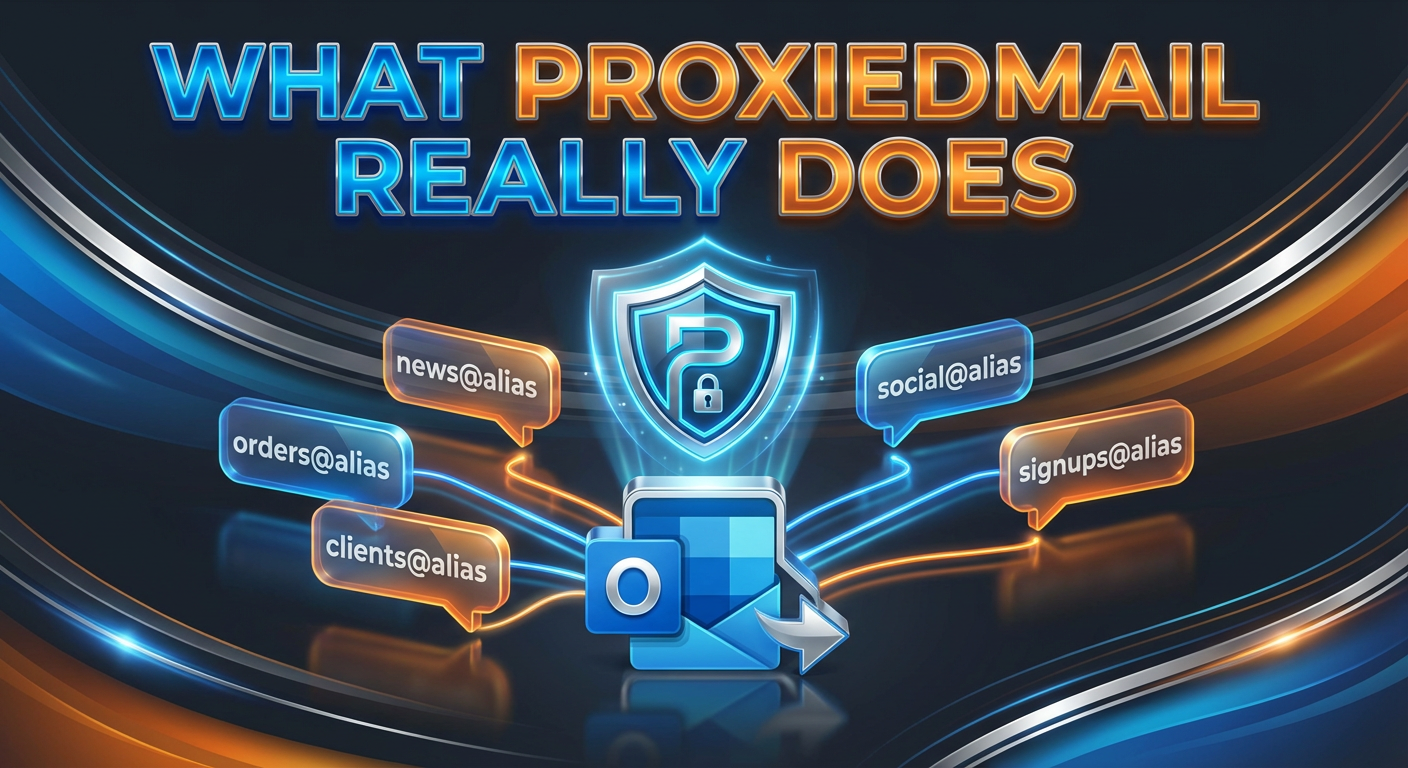
What ProxiedMail really does (in plain words)
ProxiedMail separates two things that usually get mixed together.
- Your email address (the thing you share online)
- Your email inbox/client (Outlook, Gmail, ProtonMail, etc.)
With ProxiedMail, you can create endless addresses on your own domain, use them anywhere, and still receive everything inside Outlook. That is the core idea behind Outlook email forwarding with ProxiedMail: share proxy emails, keep Outlook as your home base.
Why do people use proxy emails instead of one “main” address
Using the same email everywhere is simple, but it creates problems.
- Spam gets out of control
- Data leaks follow you for years
- One mistake can expose your “real” inbox
- Switching providers becomes painful (vendor lock)
ProxiedMail is built around a safer habit: use a different proxy email for each purpose. If one address gets abused, you can turn it off without breaking your whole digital life. This is also why Outlook email forwarding works so well here—Outlook stays stable while your shared addresses can change anytime.
At-a-glance table (quick scan)
| Item | What you get with ProxiedMail |
|---|---|
| Core benefit | Unlimited unique proxy emails that forward to your real inbox |
| Custom domain | Attach your domain and create unlimited emails on it |
| Forwarding | Incoming emails are forwarded to your chosen inbox (like Outlook) |
| Replying | You can reply directly from your email client; your real address stays hidden |
| Sending | You can send new emails from proxy addresses (first via custom domain setup) |
| Control | Turn proxy emails on/off, delete them, or recreate them |
| Integrations | API + webhooks; Zapier support for workflows |
| Privacy stance | No ads, no trackers (as described in their FAQ content) |
| Servers | DigitalOcean, Netherlands region (stated in FAQ content) |
5 Easy Steps to Set Up Outlook Email Forwarding via ProxiedMail
These steps are simple on purpose. You do not need to “rebuild” your email life. You only need to change what you share online.
Step 1: Decide what you want to protect first
Start with the places that bring the most noise or risk.
- Newsletters
- Free tools and trials
- Online shopping
- Signups you may never use again
This first step matters because Outlook email forwarding works best when each proxy email has one clear job. One address for one purpose keeps control easy.
Step 2: Connect your custom domain (so your emails look professional)
ProxiedMail lets you attach your domain and then create unlimited addresses under it. This is a big deal for freelancers, solopreneurs, and developers because the email looks clean and branded.
Example idea
- [email protected] for newsletters
- [email protected] for shopping receipts
- [email protected] for new leads
Once this is set, Outlook email forwarding becomes a smooth daily routine because everything still lands in Outlook, but each stream stays separate.
Step 3: Set your “real inbox” as Outlook
In ProxiedMail, your proxy emails forward incoming messages to your real email address. If your real address is Outlook, then every proxy email becomes a safe front door that leads into Outlook.
This is the heart of Outlook email forwarding with ProxiedMail: people email the proxy address, and you receive it in Outlook like normal.
Step 4: Create a fresh proxy email for every signup (yes, every time)
This is the habit that changes everything.
Instead of giving your main address to five different sites, you create five proxy emails. If one site leaks your address or sells it, you will know exactly where the problem started.
ProxiedMail’s design is clear: use a unique proxy email each time you use email anywhere. This makes Outlook email forwarding more than “forwarding”—it becomes a control system.
Step 5: Reply from Outlook like you always do (your real address stays private)
A common fear is, “If I reply, will my real address show?” ProxiedMail says you can reply directly from your email client. When you hit reply in Outlook, ProxiedMail routes it so the message appears to come from your alias, not your real inbox address.
So the flow stays natural: receive in Outlook, reply in Outlook, stay protected. That is a practical win for Outlook email forwarding, because you do not need to learn a new way to communicate.
The features that make ProxiedMail feel different
1) “Forever yours” proxy emails
ProxiedMail states that once you create a proxy email, it is reserved for you forever, and you can recreate deleted proxy emails with the same address. That is useful when you want a clean reset without losing the identity.
This also helps Outlook email forwarding stay stable long-term, because your “public” addresses do not have to change when your inbox provider changes.
2) Switch email providers without losing your addresses
If you ever want to leave Outlook, Gmail, or any provider, ProxiedMail is built around that freedom. You can change where your proxy emails forward.
Outlook email forwarding today does not lock you into Outlook tomorrow. Your addresses can outlive your provider.
3) Contacts: start conversations from your proxy email
ProxiedMail describes a “Contacts” feature that lets you message someone first from your proxy email, more like a normal email service.
That matters when Outlook email forwarding is not just for receiving receipts, but also for real conversations under your domain.
4) API + webhooks + Zapier
For developers and teams, ProxiedMail supports an API and webhooks for incoming emails, plus Zapier integrations. That means you can build workflows like these.
- Tagging vendor emails
- Triggering internal alerts
- Routing certain messages to tools
Used well, Outlook email forwarding becomes part of a bigger automation system, not just inbox cleanup.
ProxiedMail pricing notes (what the provided info says)
There are two pricing mentions in the information you shared, so here is the clean way to read it.
Pricing mentioned on the ProxiedMail site content
- The site text mentions a lifetime plan of $30.
AppSumo deal details (from your scraped info)
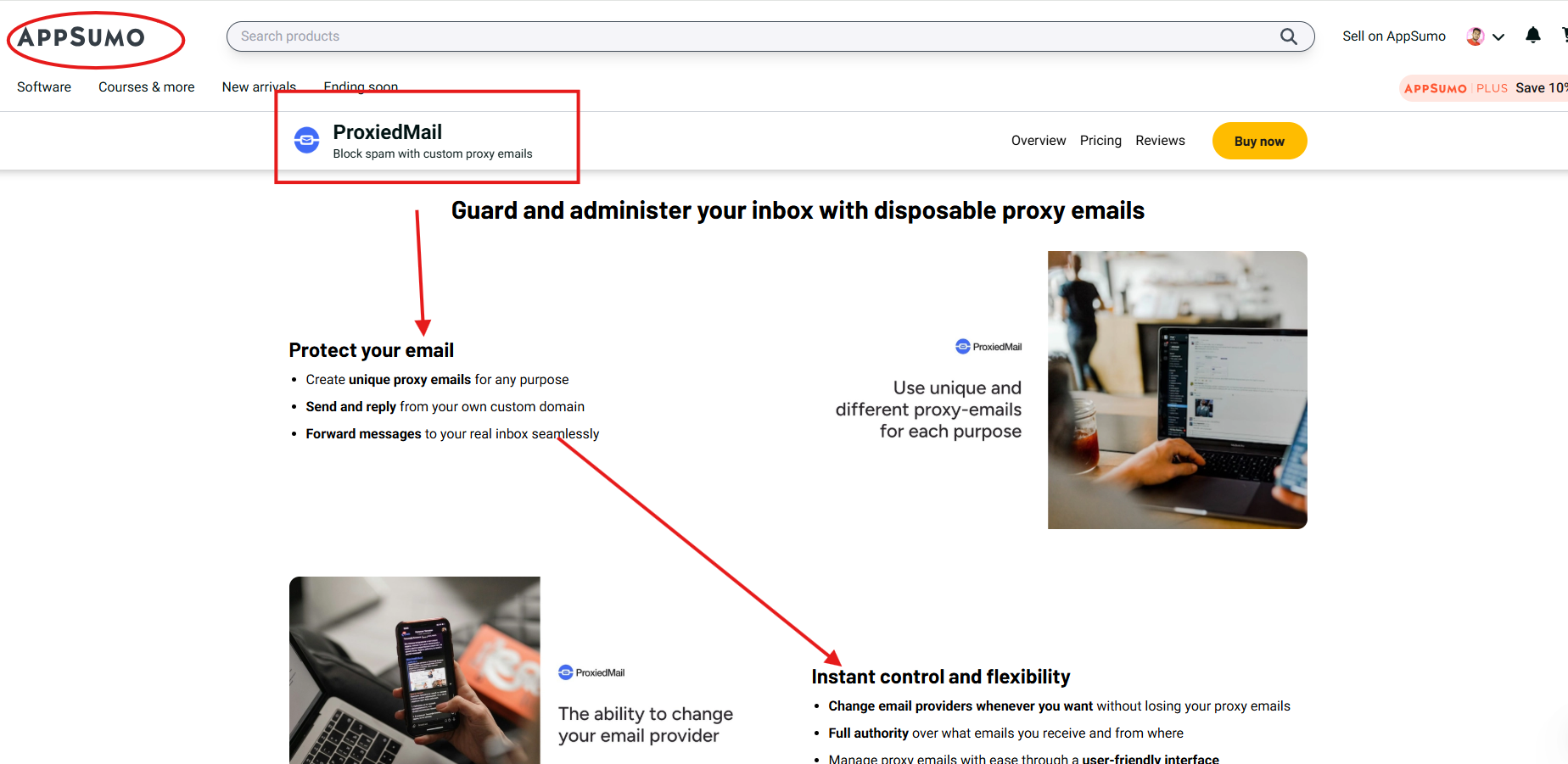
You noted ProxiedMail is available on AppSumo, and the listing details you provided include the following.
- Plus Plan: $10 lifetime access (shown as 50% off from $20)
- Refundable up to 60 days
- Covered by the “We Got Your Back” guarantee
Plan highlights you listed
- Unlimited proxy emails + unlimited unused proxy emails
- Up to 10,000 incoming API requests/webhooks
- Up to 50 real emails (increase by request)
- Multi-factor authentication
- Additional AES encryption layer
- Privacy protection features (data-leak notices, tracking protection)
- 99.9% availability SLA
- Deleting proxy emails, replying to incoming emails, and sending outbound emails
- Built-in password manager for proxy emails
If you are buying for value, this AppSumo lifetime offer can make Outlook email forwarding very low-cost for long-term use, especially if you plan to create many addresses.
Best use cases (simple, real-life examples)
Here are easy ways to apply Outlook email forwarding with ProxiedMail without overthinking it.
- Signups: Create one proxy email per website, so leaks do not spread.
- Shopping: Use an address only for orders and receipts.
- Newsletters: Give newsletters their own address so you can mute them anytime.
- Client work: Use one proxy per client so communication stays tidy.
- Team tools: Use separate addresses for project tools and logins.
This is not about being paranoid. It is about being organized in a world where email is used as a key.
A quick “how it works” view
- Someone emails your proxy address on your domain
- ProxiedMail receives it and looks up your forwarding rule
- The message is forwarded to your real inbox (Outlook)
- You can deactivate forwarding or delete the proxy email when needed
That cycle is why Outlook email forwarding feels effortless once it is set up: you keep your daily workflow, but you stop exposing your main address everywhere.
FAQ (short and useful)
Can I reply from Outlook without showing my real email?
ProxiedMail states you can reply directly from your email client, and the reply is routed so it comes from your alias while keeping your personal email invisible. This is a key reason people choose Outlook email forwarding with a proxy system.
Are these proxy emails temporary?
No. ProxiedMail describes its proxy emails as permanent, unlike “10-minute email” services. This is important for Outlook email forwarding because you can use these addresses for serious accounts, not just throwaway signups.
Where are the servers located?
The FAQ content states that ProxiedMail uses DigitalOcean servers in the Netherlands region.
Common setup mistakes (and how to avoid them)
Mistake: using one proxy email for everything
Fix: create a new proxy for each service. That is the whole power move.
Mistake: mixing personal and business traffic
Fix: separate by purpose (orders, clients, tools). Your Outlook stays calmer.
Mistake: never turning anything off
Fix: if a proxy email starts attracting spam, disable it. Your Outlook gets quiet again.
This is where Outlook email forwarding shines: your inbox stays steady while your public-facing addresses stay flexible.
Final thoughts
If you want one clean inbox but you do not want one exposed email identity, ProxiedMail is built for that exact gap. You create unlimited proxy emails on your domain, route everything into Outlook, reply normally, and switch providers later if you ever want.
That is the practical promise of Outlook email forwarding via ProxiedMail: less spam, less risk, and more control—without changing how you work every day.
Quick recap
- Use a unique proxy email for each purpose
- Forward everything into Outlook
- Reply from Outlook while keeping your real address private
- Turn off any proxy that attracts spam
- Consider the AppSumo lifetime deal details you shared if you want maximum value for Outlook email forwarding.
To know about the latest LTD deal, please visit:
The SaaS Talk