

Dodo Payments Review: Is This the Easiest Way to Monetize Globally?
If you sell SaaS, AI tools, or any kind of digital product, you’ve probably felt the pain of payments:
“Which gateway do I use?”
“How do I charge in different currencies?”
“What about taxes, invoices, and compliance in 100+ countries?”
That’s where this Dodo Payments Review comes in. Dodo Payments is built to be an all‑in‑one monetization engine for modern products – especially AI apps, SaaS platforms, and digital tools that want to sell worldwide without drowning in complexity.
Instead of stitching together Stripe + tax tools + invoicing + currency logic + manual reporting, Dodo tries to roll everything into a single platform: payments, billing, compliance, and automation.
In this Dodo Payments Review, we’ll break down what it actually does, who it’s best for, where it shines, and where it might not be the right fit.
What Is Dodo Payments, in Simple Terms?
Dodo Payments is a platform that helps you:
- Accept payments from customers worldwide
- Charge in multiple currencies and payment methods
- Run subscriptions, one-time, and usage-based billing
- Handle taxes, invoicing, and compliance automatically
- Get developer‑friendly APIs and SDKs if you want to integrate deeply
- Or use no‑code / low‑code flows if you don’t want to touch code
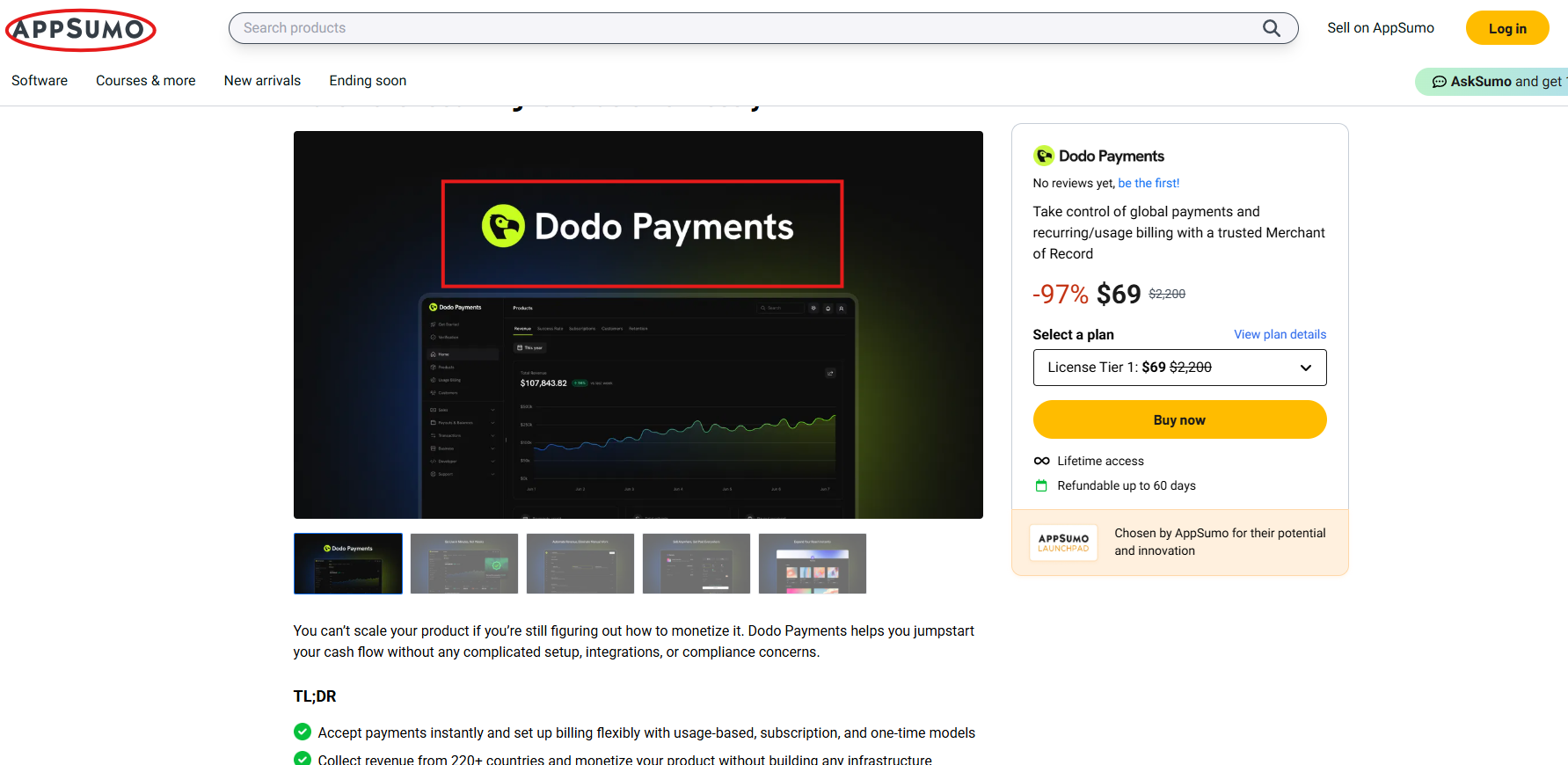
Think of it as a global monetization control center rather than “just another checkout button.”
This Dodo Payments Review focuses especially on how it helps AI and SaaS founders move fast: you plug in your product once, then use their system to launch different offers, pricing models, and geographies without constantly rebuilding your billing logic.
Key Features at a Glance
To make this Dodo Payments Review easier to skim, here’s a quick overview of the main features.
1. Global Payments & Local Methods
- Supports payments from hundreds of countries
- Multiple currencies, so buyers can pay in something familiar
- Local payment methods (not just cards) so conversion is higher
- Designed for cross‑border selling without you becoming a compliance expert
2. Flexible Billing Models
Dodo isn’t locked into “just subscriptions” or “just one‑time payments.” It supports:
- One‑time purchases (great for digital downloads, templates, assets)
- Recurring subscriptions (classic SaaS, memberships, tools)
- Usage-based billing (perfect for AI tokens, API calls, credits, etc.)
- Hybrid models (e.g., base subscription + usage overages)
For modern AI tools, this is a big deal. Many AI apps need credit-based or usage-based pricing, and this Dodo Payments Review wouldn’t be honest without saying that’s one of the platform’s strongest use cases.
3. Built‑In Automation (Taxes, Invoices, Compliance)
Dodo Payments tries to remove the boring but risky work:
- Automatically calculates and applies taxes where needed
- Generates proper invoices for customers
- Helps you stay aligned with global regulations and compliance
- Central dashboard to see revenue, customers, and metrics
So instead of duct-taping a separate tax platform, invoicing tool, and reporting system, you get it in one place.
4. Developer‑Friendly (If You Want to Go Deep)
If you’re technical (or have a dev team), Dodo offers:
- APIs to integrate directly into your app
- SDKs / adapters to speed up development
- Webhooks and events so your app can react in real time
- Sandbox/testing flows before going live
At the same time, this Dodo Payments Review isn’t only for developers. If you’re not technical, you can still use their no‑code flows and dashboards to set things up.
Dodo Payments – Feature Overview
Here’s a structured snapshot you can scan quickly.
| Category | What Dodo Offers | Why It Matters |
|---|---|---|
| Global Coverage | Accepts payments from customers in many countries with multiple currencies | You can sell internationally without separate setups per region |
| Payment Methods | Cards + local methods (varies by region) | Higher conversions because customers pay with what they already use |
| Billing Models | One‑time, subscriptions, usage-based, hybrid | Fits SaaS, AI tools, memberships, and credit/usage-based products |
| Tax & Compliance | Automated tax handling and compliant invoices | Reduces legal/financial risk and admin work |
| Automation | Recurring billing, invoicing, notifications, and reporting | Less manual work, fewer errors |
| Developer Tools | APIs, SDKs, adapters, webhooks | Faster, cleaner integration into your product |
| No‑Code Options | Set up via the dashboard without touching code | Non‑technical founders can still launch and manage payments |
| Analytics & Reporting | Central dashboard to track revenue, customers, and performance | Gives you a clear view of MRR, customers, and growth |
| Product Fit | Designed for SaaS, AI, digital products, and online services | Aligns with modern, internet-first business models |
This Dodo Payments Review shows that the real value isn’t just “can it take payments?” (many tools can). The real value is how many moving parts it removes from your stack.
Who Is Dodo Payments Best For?
From everything we’ve covered in this Dodo Payments Review, Dodo is especially strong for:
AI app builders
- Credit-based or token-based pricing
- Need to charge based on usage, not just a flat monthly fee
SaaS founders
- Want subscriptions with trials, upgrades, downgrades, etc.
- Might later add usage-based or add‑on packages
Digital product creators & agencies
- Sell templates, tools, resources, licenses
- Want to expand beyond their home country
Developers & technical teams
- Want APIs and SDKs to keep full control in the app
- Don’t want to reinvent billing logic from scratch
If you see yourself in any of those, then this Dodo Payments Review is likely describing your exact problems: multiple currencies, pricing experiments, usage tracking, and automated billing.
When Dodo Payments Might Not Be the Best Fit
To keep this Dodo Payments Review balanced and honest, let’s also talk about where it might not be ideal:
- If you’re only selling simple, local, one‑time products with a single currency and no real billing logic needed, a basic checkout or marketplace might be enough.
- If you already have a very complex custom billing system and a team maintaining it, switching everything over may not be worth the migration effort.
- If your business is fully offline and not software/digital‑focused, much of Dodo’s deeper power (APIs, SaaS workflows, usage billing) won’t really be used.
In other words, the more “software‑like” and global your business is, the more Dodo’s features matter.
Is Dodo Payments Right for You?
Use this quick decision table as part of this Dodo Payments Review to see if it aligns with your situation.
| Your Situation / Need | Dodo Payments Fit | Explanation |
|---|---|---|
| You’re launching an AI app with token/credit or API usage‑based pricing | ⭐⭐⭐⭐☆ (Very High) | Usage-based billing and automation match AI/credit use cases very well |
| You run a SaaS product with subscriptions and multiple pricing tiers | ⭐⭐⭐⭐☆ (Very High) | Handles recurring billing, trials, upgrades/downgrades, and global customers |
| You sell digital products to customers in just one country with one currency | ⭐⭐☆☆☆ (Medium) | It works, but you may not need all the global, compliance, and usage‑based features |
| You want to expand to many countries with local payment methods | ⭐⭐⭐⭐⭐ (Excellent) | Designed for cross‑border, multi‑currency, and local methods |
| Your team is non‑technical and wants no‑code setup | ⭐⭐⭐⭐☆ (High) | Dashboard and no‑code options let you avoid deep technical integration |
| You already have a full in‑house billing & tax stack you’re happy with | ⭐⭐☆☆☆ (Medium) | You’d need a strong reason (cost, simplicity) to justify migrating everything |
| You sell mostly offline or physical goods only | ⭐☆☆☆☆ (Low) | The platform is optimized for digital, SaaS, and AI products, not heavy logistics workflows |
How Dodo Payments Helps You Grow Faster
The real promise behind this Dodo Payments Review is not just “another way to get paid,” but speed and focus:
- You spend less time wiring together tools and more time on your product.
- You can test new pricing models quickly (e.g., add a usage tier, launch a one‑time add‑on).
- You can enter new countries without becoming a payments and tax expert.
- You keep all your revenue data in one place, instead of across half a dozen dashboards.
For busy founders and teams, that reduction in friction can easily translate into faster shipping, better experiments, and ultimately more revenue.
Final Thoughts: Is Dodo Worth Trying?
Based on this Dodo Payments Review, Dodo Payments is best viewed as a monetization partner, not just a tech tool. It’s geared toward SaaS, AI, and digital creators who:
- Want to sell globally
- Need flexible billing models
- Don’t want to manually handle taxes, invoicing, and compliance
- Appreciate having both developer tools and no‑code options
If you’re in that camp, it’s absolutely worth testing. Set up a small segment of your customers or a new product line on Dodo, run it for a few weeks, and measure:
- How hard was it to integrate or configure?
- How smooth was the checkout and billing experience for users?
- Did it make reporting, taxes, and invoices easier for your team?
If the answers are positive, this Dodo Payments Review will likely match your own experience: a simpler, more scalable way to monetize your product globally.
To know more about the lifetime deals, please visit our website.
THE SaaS TALK